Keeping an eye on your account: analytics and your plan
In short
- A basic overview of bookings and revenue is available on every plan, with no tier lock.
- Detailed reports (daily pattern, peak hours, top activities, customer list) are a Growth feature; CSV export of your data is Premium.
- Changing or cancelling your plan is done through the Stripe customer portal, one tap from the app, with no email to us needed.
The basic overview: included on every plan
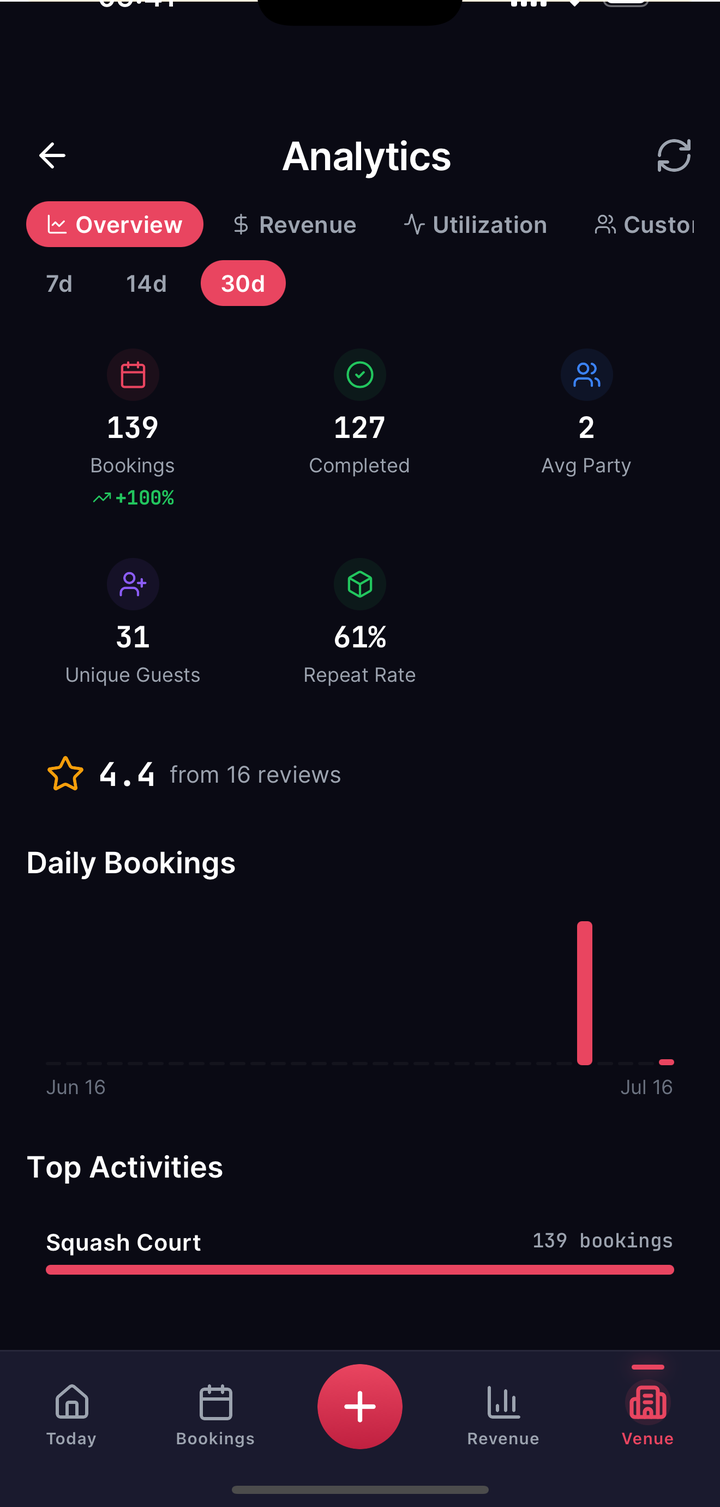
Open the analytics area in the app and you immediately see a basic overview: how many bookings came in and how much revenue that was, over the period you pick. That is equally available on Starter, Growth and Premium. Answering "how is my venue doing right now?" needs no upgrade.
Detailed reports: from Growth up
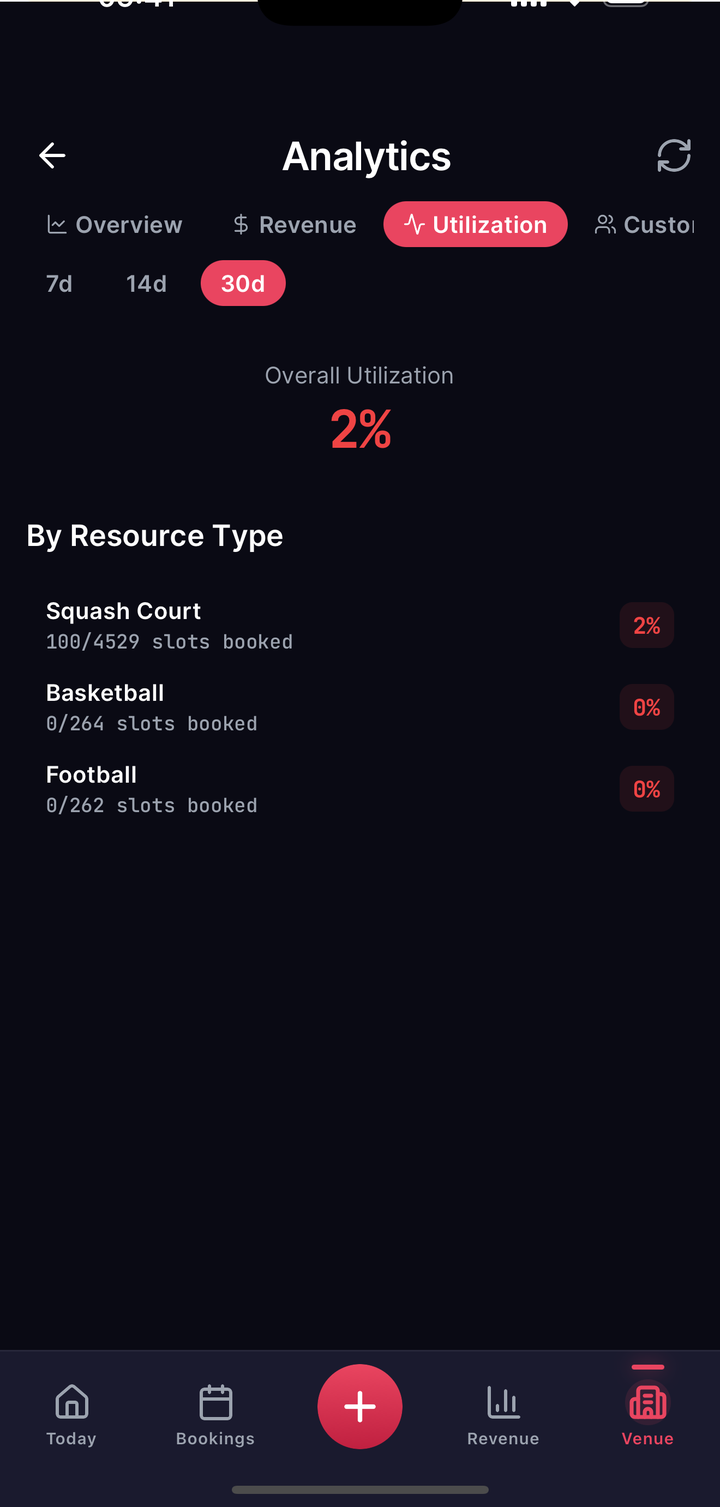
If you want to go deeper, bookings by day, your peak hours, which activity performs best, utilisation per court, a revenue breakdown or your customer list with history, that is a Growth feature. On Starter you see the basic overview and the detail views show an upgrade prompt.
| Report | Starter | Growth+ |
|---|---|---|
| Bookings & revenue (totals) | ✓ | ✓ |
| Daily pattern, peak hours, top activities | ✗ | ✓ |
| Utilisation per court | ✗ | ✓ |
| Detailed revenue breakdown | ✗ | ✓ |
| Customer list with history | ✗ | ✓ |
Taking your data with you: Premium
If you want to work with your reports elsewhere, for your accountant, your own spreadsheet, an investor report, you can export them as a CSV file. That is a Premium feature.
Your plan: view it, change it, cancel it
Under "Billing" you can see your current plan at any time. An upgrade or a cancellation does not go through a support ticket but straight through the Stripe customer portal: one tap from the app opens it, and there you manage your plan yourself, moving up or down, changing your payment method, or cancelling. The change takes effect immediately, and a plan change never applies retroactively to periods already billed.
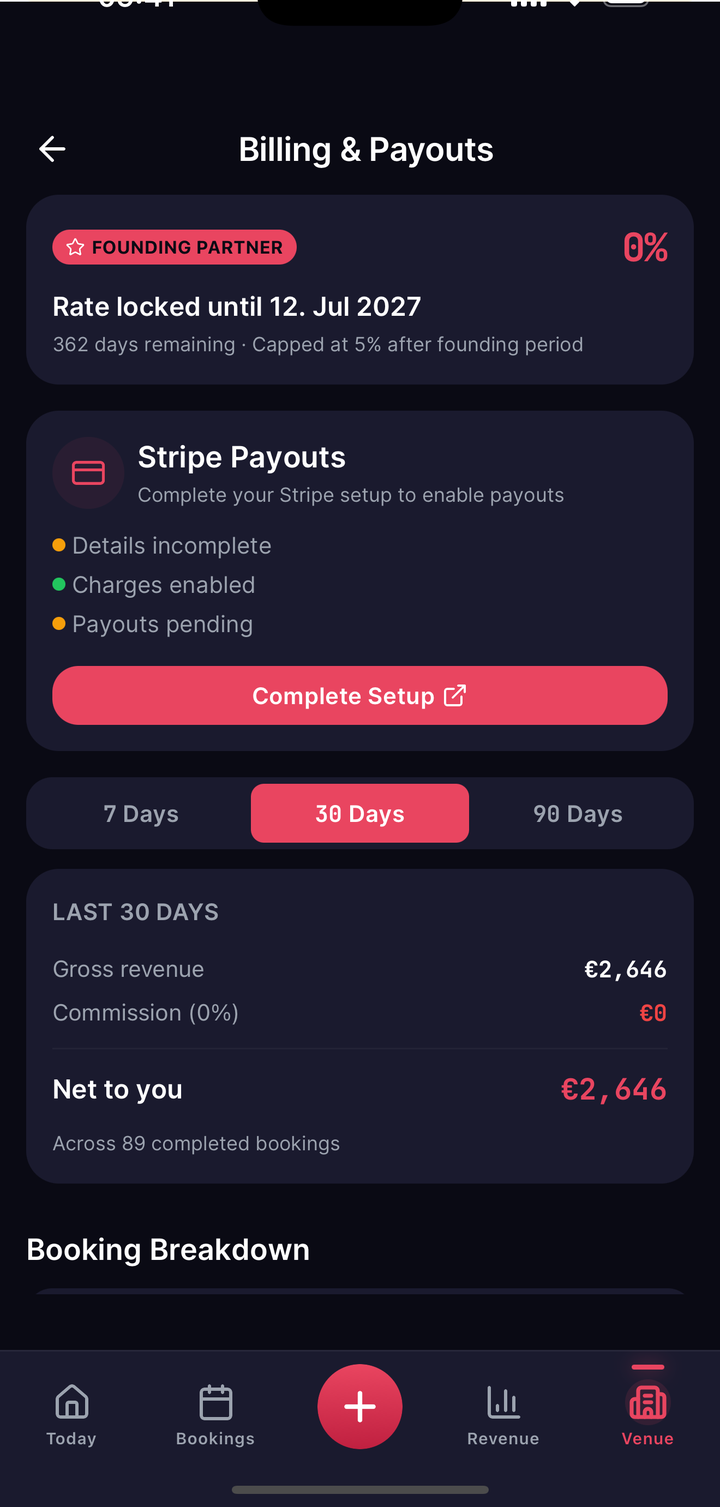
As a Founding Partner your agreed commission arrangement continues to apply regardless of the plan you pick. Details are in payouts.