Getting started: from signing up to your first booking
In short
- Register as an operator, work through the 8-step setup wizard and accept the Partner Terms along the way. Every intermediate state is saved as a draft automatically.
- After that the openmatch team reviews your venue while you complete Stripe onboarding in parallel. You become visible to players only once both are done.
- openmatch generates bookable time slots from your opening hours automatically, on a rolling 14-day window.
Before you start: what to have ready
- Photos: several good ones (5 to 6 recommended). The review is a human look at your venue, and a venue without meaningful photos gets sent back for improvement.
- Opening hours for each day of the week
- Court list: how many courts, tables or lanes, with names ("Court 1", "Lane 5")
- Prices: base price per 60 minutes, per activity
- Bank details: IBAN, BIC, account holder
- Company and tax details: legal form (GmbH, UG, sole trader, GbR), commercial register number, VAT ID or tax number
The wizard: 8 steps (in the app)
This guide describes the wizard in the openmatch app. In the web dashboard (dashboard.open-match.com) the wizard has 6 steps: there is no separate photo step and no amenities step, and you upload photos after setup under "Profile & photos". Everything else is identical.
You create your account as an operator, and the setup wizard opens straight away:
- What you offer: pick your venue type and at least one activity (padel, tennis, bowling and so on).
- Venue details: name, description (at least 30 characters), address with automatic map placement, phone, email.
- Photos: upload and reorder. The first photo becomes your cover image, but you can promote any other one.
- Courts & prices: how many courts you have and what they are called, the base price per 60 minutes, and optionally a peak surcharge (default window: weekdays 17:00 to 21:00). For example:
| Time window | Price per 60 min |
|---|---|
| Mon to Fri, 07:00 to 17:00 (base) | €32 |
| Mon to Fri, 17:00 to 21:00 (peak +25%) | €40 |
Plan limits as they stand today: Starter 5 courts, Growth 25 courts, Premium unlimited. The app always shows your plan's current limits live, because they can change with the plan model. Adding a court or moving up a plan takes minutes and can be done at any time.
- Opening hours: opening and closing time per weekday. Mark rest days as closed.
- Amenities & rental gear: showers, parking, food and drink and so on are included on every plan. Rental items with a price (a racket at €5, say) are a Growth feature, but you fill them in during the wizard regardless.
- Legal & banking: legal form, tax details and the bank account your payouts go to.
- Review & submit: a summary of everything with edit links. This is where you accept the Partner Terms by ticking a box. The box is deliberately not pre-ticked, and openmatch records the version and timestamp of your acceptance. legal review pending Only the text of the Terms themselves is legally binding.
You do not have to finish in one sitting. The wizard saves every intermediate state on your device automatically, so closing the app and picking it up later is fine.
Going live: review plus Stripe
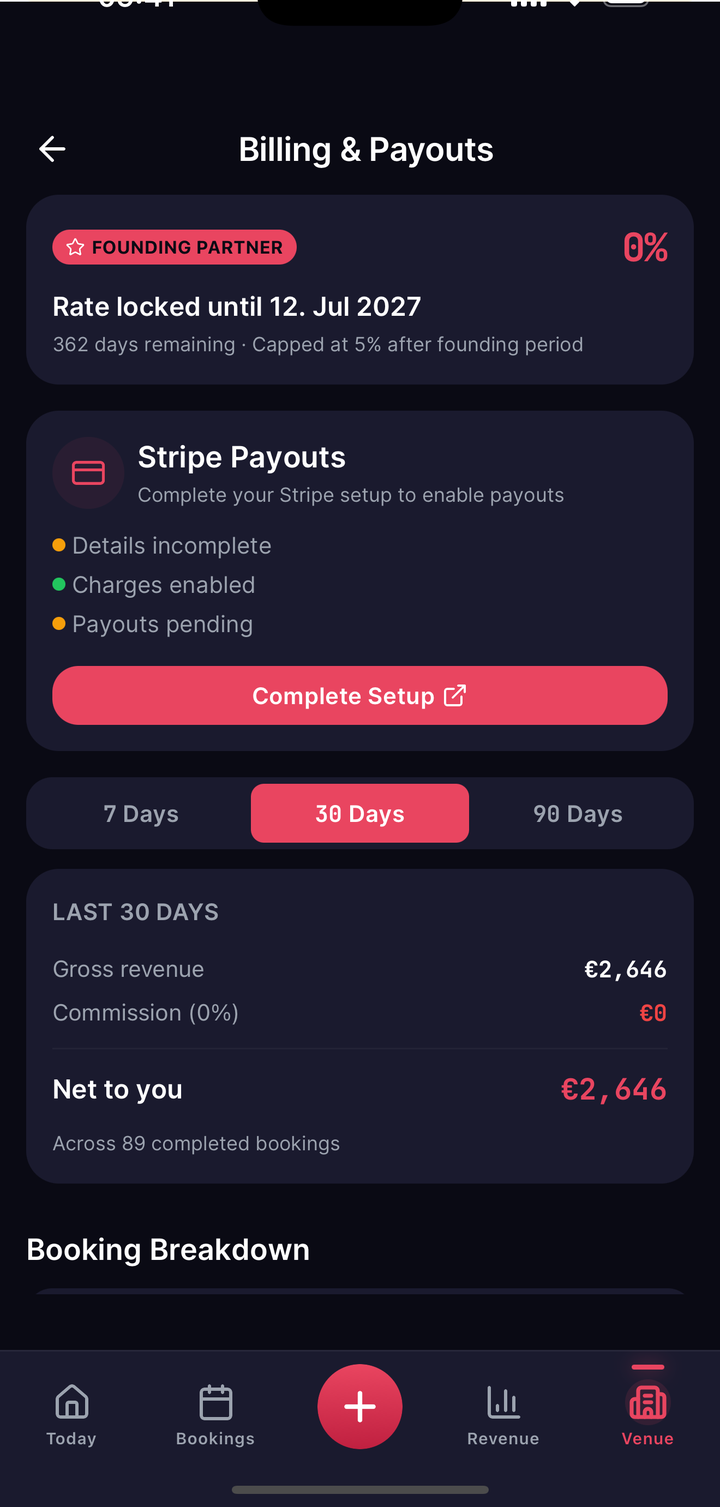
Once you submit, your venue goes into review by the openmatch team. In parallel, not afterwards, you start Stripe onboarding in your dashboard under "Billing": identity verification and bank account, handled directly by Stripe, our payment provider. Without completed Stripe onboarding you cannot accept payments and cannot receive payouts.
The rule that matters most: you are visible and bookable to players only once both are in place, the openmatch approval and activated payments at Stripe. If either is missing, your venue stays hidden. As soon as Stripe gives the green light, openmatch switches you live automatically and there is nothing further for you to do.
If the team asks for improvements or rejects the venue, you see that in the dashboard with the reason. After you fix it, one tap on "Resubmit" is enough. You do not fill in the wizard again.
Your first booking
From the moment you are live, openmatch generates bookable time slots from your opening hours automatically, always for the next 14 days and extended daily. If you change your opening hours or prices, the slots are recalculated. You never create a single slot by hand.
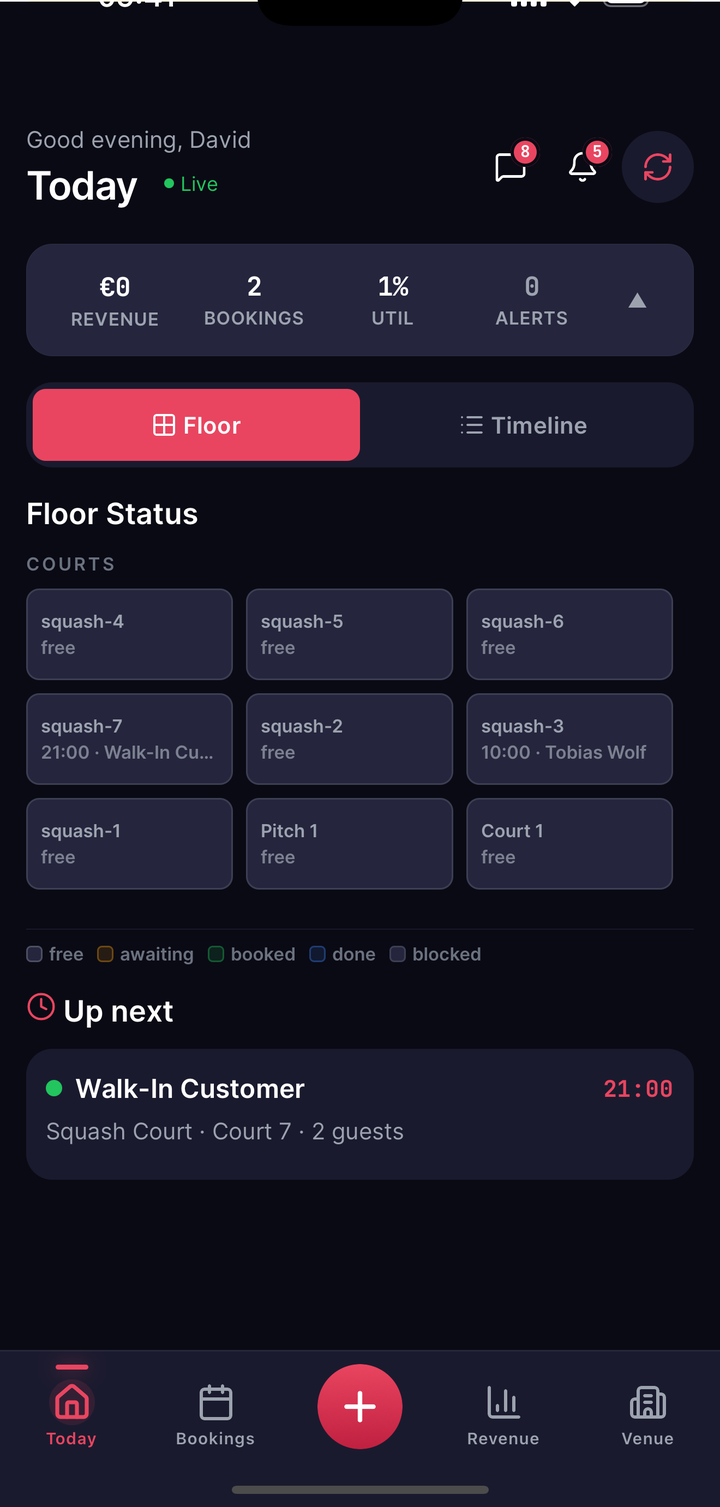
When a player books, the booking appears on your Today screen immediately, and your share flows to your account through Stripe automatically.