Day-to-day bookings: the status model and walk-ins
In short
- Every booking shows exactly one of four statuses: Awaiting payment, Booked, Done, Cancelled.
- "Booked" versus "Awaiting" is calculated by openmatch from outstanding payments on split bookings. There is nothing for you to switch.
- You create walk-ins directly in the app, currently with no commission and no service fee at all.
The 4 statuses, and why "Booked" sometimes wavers
Every booking shows you exactly one of four statuses: Awaiting payment, Booked, Done, Cancelled. There are no others, and that narrowness is deliberate.
The difference between "Booked" and "Awaiting" is recalculated every time it is displayed, not stored in the database. That matters on split bookings, where a group shares a court: the person who books pays their own share immediately on confirmation, and the other players pay their share through separate invitations ("splits").
An example. A padel court costs €40 and four players share the cost. The booker pays their quarter (€10) up front, and the other three owe €30 between them. As long as even one of the three has not paid, the booking shows "Awaiting payment" with the outstanding amount (€10, if two of the three have already paid). As soon as all three have paid, the status flips to "Booked" on its own, without you doing anything.
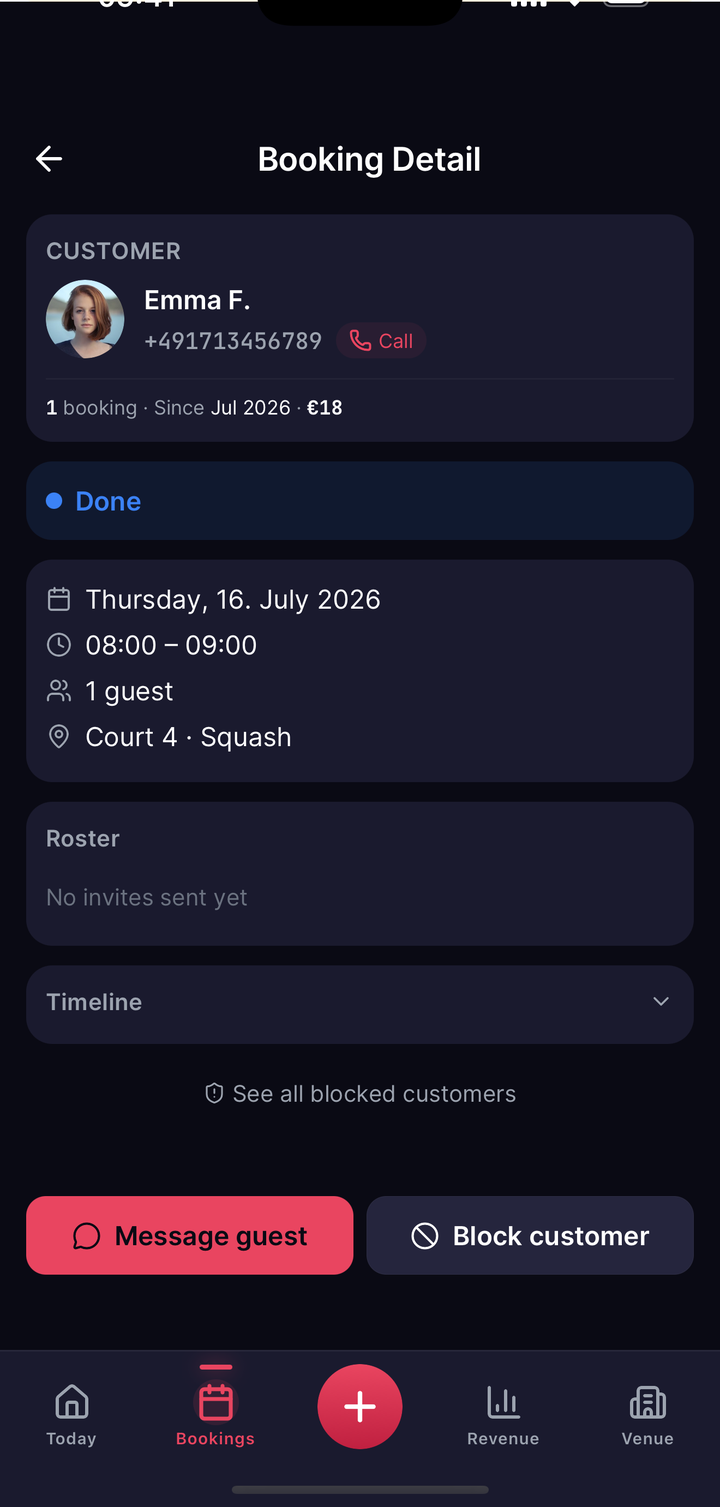
"Done" happens by itself
Once a booking's time slot ends, openmatch takes over: within up to 5 minutes of the booking ending, the status flips to "Done" (the exact moment depends on when the background job last ran). You never have to check anyone in manually or mark a booking as finished. That function deliberately no longer exists.
The reason: the old no-show fee was removed entirely, and the whole check-in surface went with it. There is no manual "arrived" or "did not show" any more. Players who arrive late or not at all have no separate consequences today, neither through a penalty fee nor through your cancellation tiers, which only apply to an actual cancellation before the booking starts. The booking simply runs its course and is marked "Done" automatically, whether or not the player turned up.
Walk-ins: bookings for people at the door
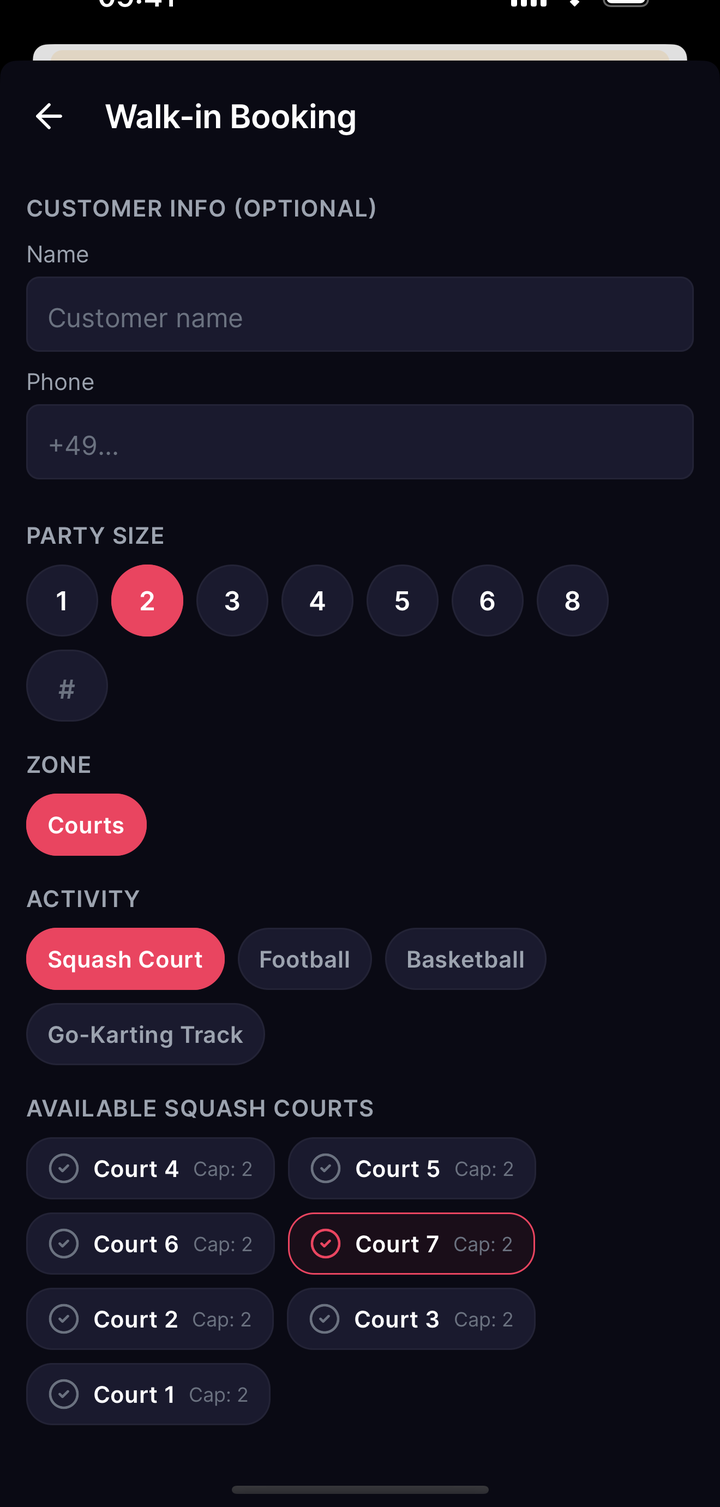
When a player turns up without the app or calls you, you create the booking manually in the app ("walk-in"). That is exactly what it is for: someone books on site or by phone instead of through the openmatch app.
Walk-in bookings currently run at 0% commission and 0% service fee, a concession that is managed centrally and may change in future. Every walk-in is flagged separately behind the scenes so you can tell them apart from app bookings in your reporting.
You do not have to work out which court is free yourself. Leave the court field empty and openmatch finds a suitable free court for the time you want, exactly as it would for a normal app booking.
Blocking courts
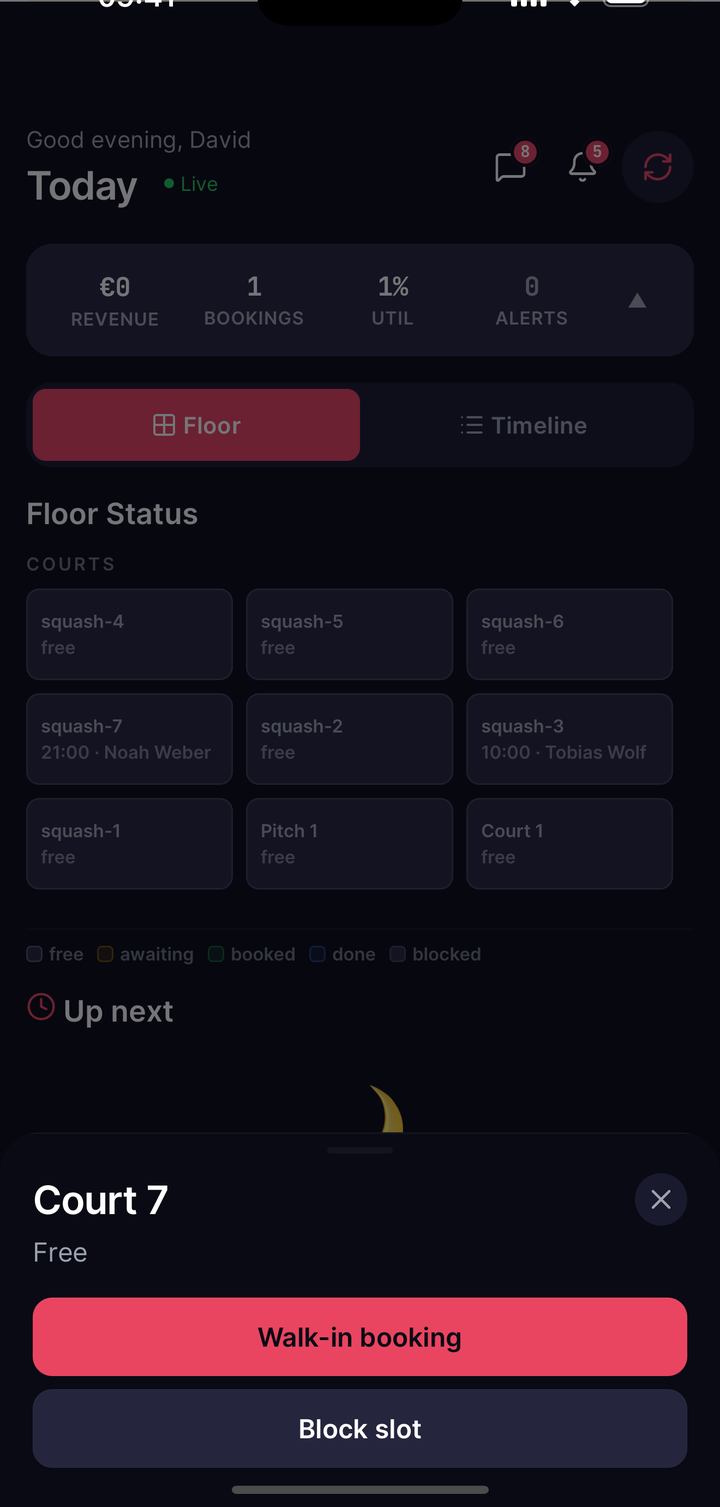
When a court needs maintenance, or is reserved for a private event, you block the time slot directly on the court with a short reason ("maintenance", "privately booked"). Blocked slots disappear from player availability immediately; an existing booking in the same window is untouched. This function is on every plan.
Cancelling and problem customers
The booking detail page has a cancel action. It requires a structured reason (weather, maintenance, double booking, venue closed) plus an optional short internal note, which gives every case a clean history. Depending on when the cancellation happens, the player is automatically refunded the appropriate amount legal review pending. Your Terms are what binds.
For repeat problems, the booking also carries a "Block customer" action. Blocked players can no longer make new bookings with you.