Chat and notifications
In short
- Chat with your guests runs per booking: a separate thread per guest and booking, not one big channel for everyone. On every plan.
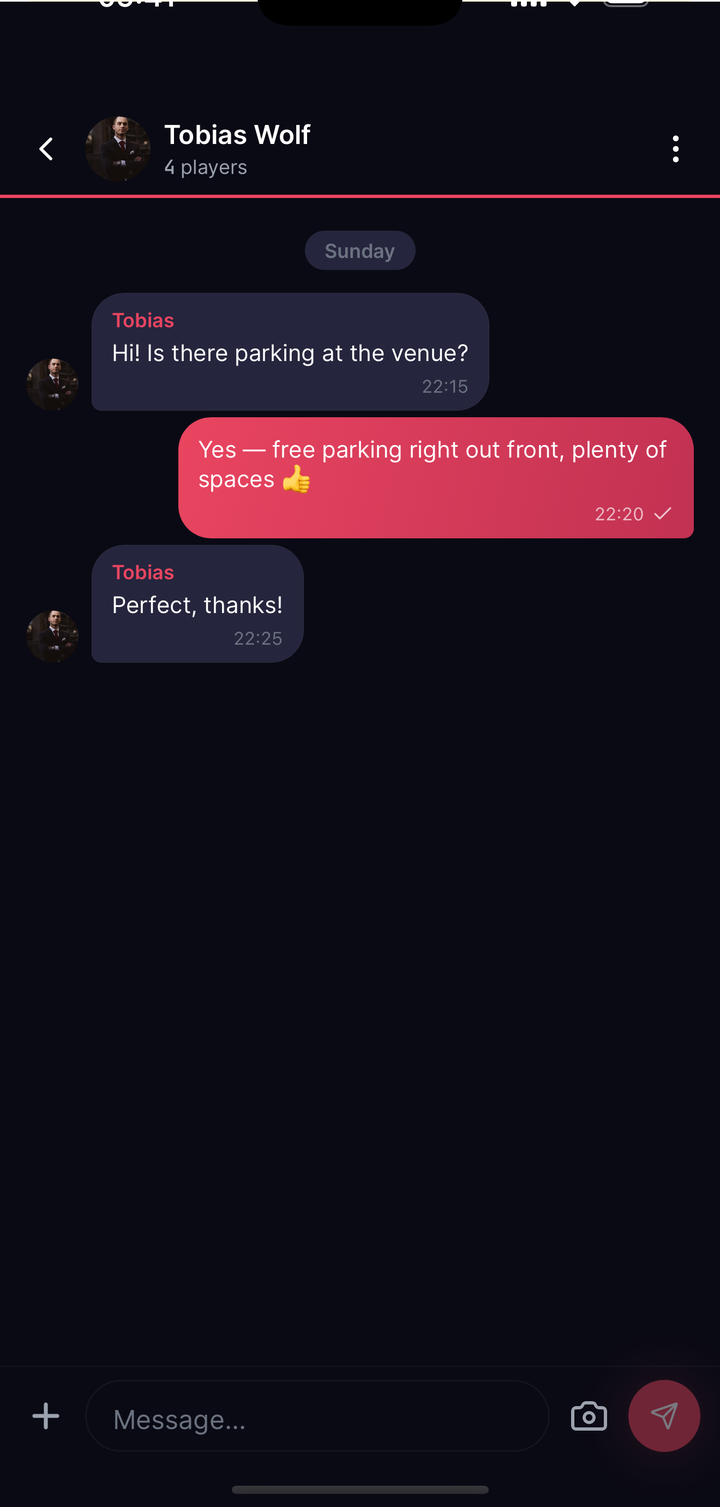
- To message a guest you open the chat from their booking. Players can also send you a general enquiry without a specific booking, as long as you allow customer messages.
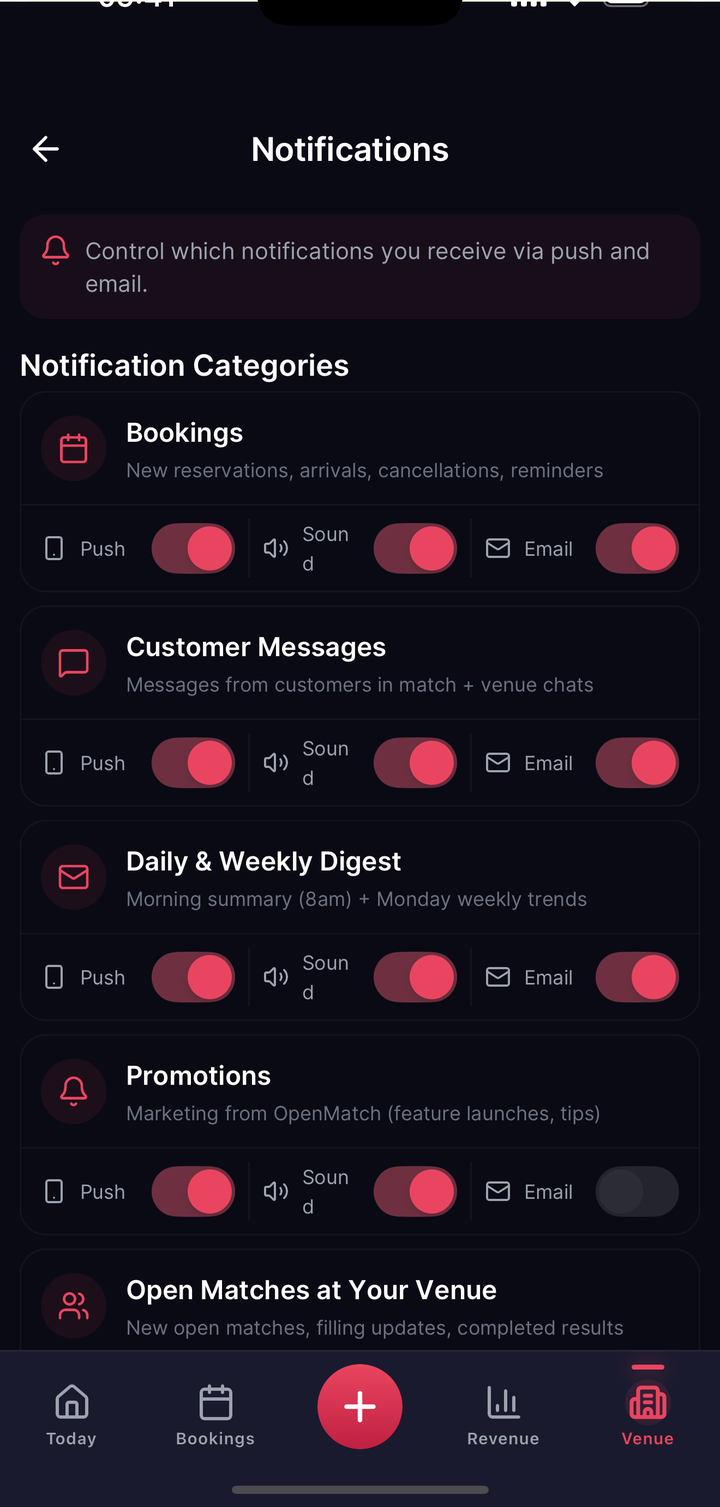
- You get a daily and a weekly summary by push and email automatically, with fine-tuning in your notification settings.
How chat with guests works
Chat is not one channel with all your players in it but a separate thread per guest and booking. That is deliberate: a question about Thursday 7pm then sits where it belongs, and is still attributable months later.
One consequence matters day to day: you cannot message a guest out of the blue. To reach someone you open their booking and start the chat from there. In the other direction a player can message you without a specific booking, a general enquiry before their first booking for instance. You can switch that direction off in your venue profile if you do not want customer messages (see venue profile and photos); your own route to a guest is unaffected.
If a guest has invited players to their booking and they accepted, those players sit in the same thread, so you write once and reach the whole group for that booking.
Owners and team members with access to your venue channels can reply. Chat is a base function, with no difference between plans.
Pinning announcements
Within a thread you can pin an announcement at the top: a short title (up to 80 characters) and a body (up to 500 characters), visible to everyone in that thread until you change or remove it.
⚠️ Because threads run per booking, a pinned announcement reaches exactly the people in that one thread. It is not a notice board for all your guests. To tell genuinely everyone something (a maintenance closure, changed holiday hours) the right route is to block the affected period on the court: bookings then never arise in the first place, and anyone who has already booked is told about the cancellation and refund automatically.
Automatic summaries
Without setting anything up, you get:
- Daily, at 8am: a short version of the previous day, bookings, revenue, anything notable.
- Weekly, Mondays at 9am: the week in overview, with the trend.
Both arrive by push message and email. In your notification settings you can switch push and email off separately for these summaries, without affecting your other notifications (payouts, disputes).