More tools: zones, waitlist and the customer directory
In short
- Grouping courts into zones ("Hall A", "Outdoor courts") works on every plan. It is pure organisation, not a required step.
- A waitlist per sold-out time slot is a Growth feature; the full customer directory with revenue history is Premium.
- Every booking detail page already shows you a customer's summary stats, on every plan, without going through the directory.
Zones: structure for larger venues
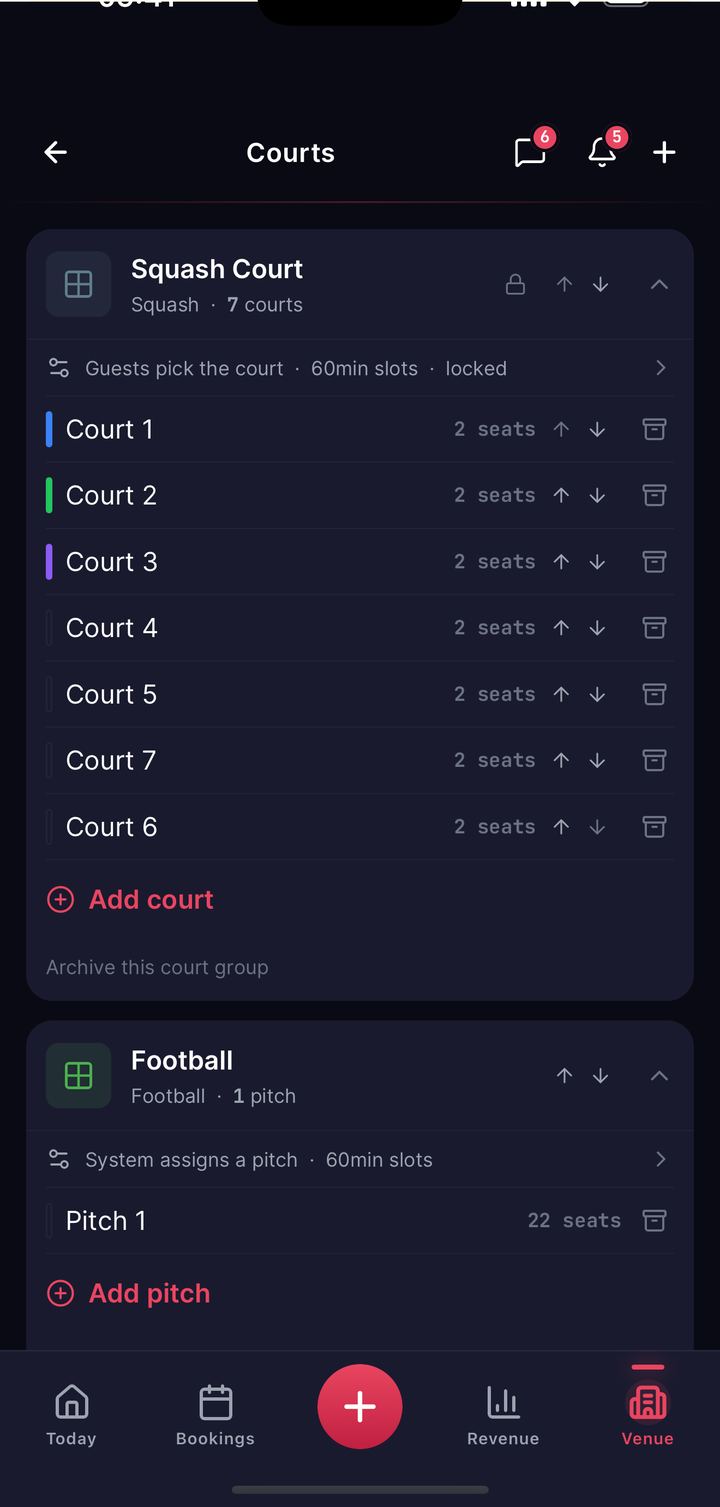
If you have several halls, floors or outdoor areas, you can group your courts into zones, "Hall A" and "Outdoor courts" for instance. That is structure purely for you: players see none of it, it only helps you manage a lot of courts. Creating, renaming and archiving zones happens in the same area as your courts and pricing rules, on every plan.
Waitlist: from Growth up
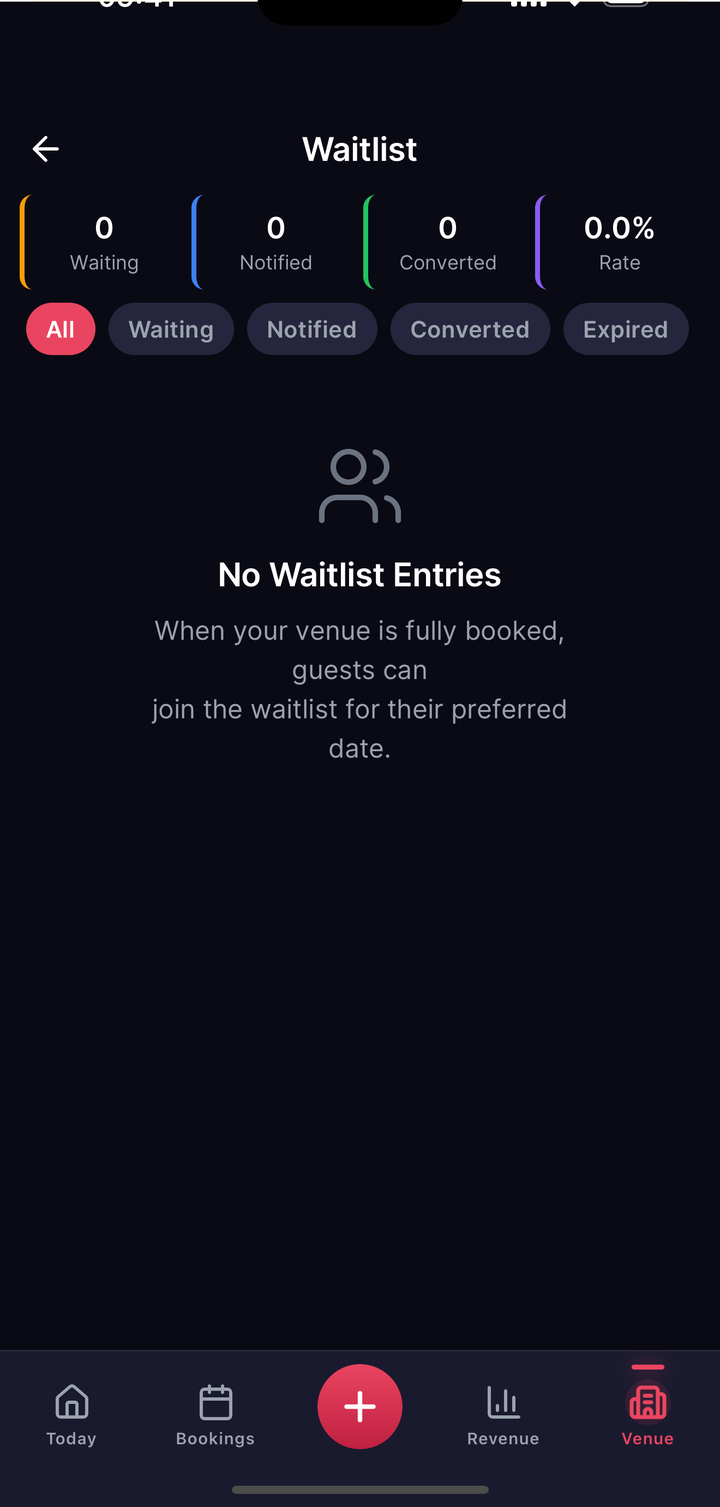
When a time slot is sold out, players can put themselves on a waitlist in the customer app. If the slot frees up, through a cancellation for instance, openmatch automatically notifies the next in line. Managing the waitlist (who is waiting, statistics, removing entries) is a Growth feature; joining one is always possible for players, whatever your plan.
Customer directory: Premium
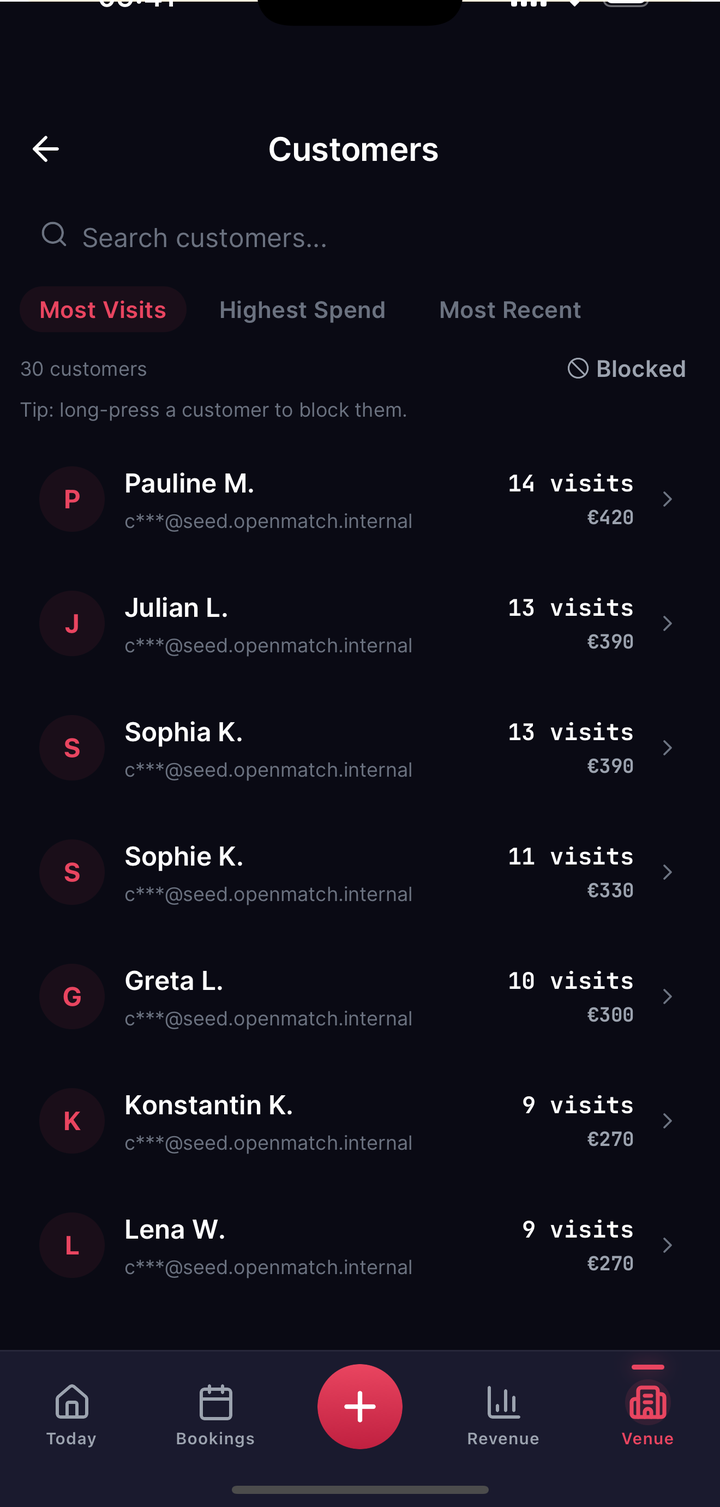
From Premium up you get a searchable customer directory: every player who has ever booked with you, with their total number of bookings, total revenue, and first and last booking. Sortable by visits, spend or last activity, with search by name or email (partly masked for data-protection reasons, j***@email.com for example).
The summary stats: already on every plan
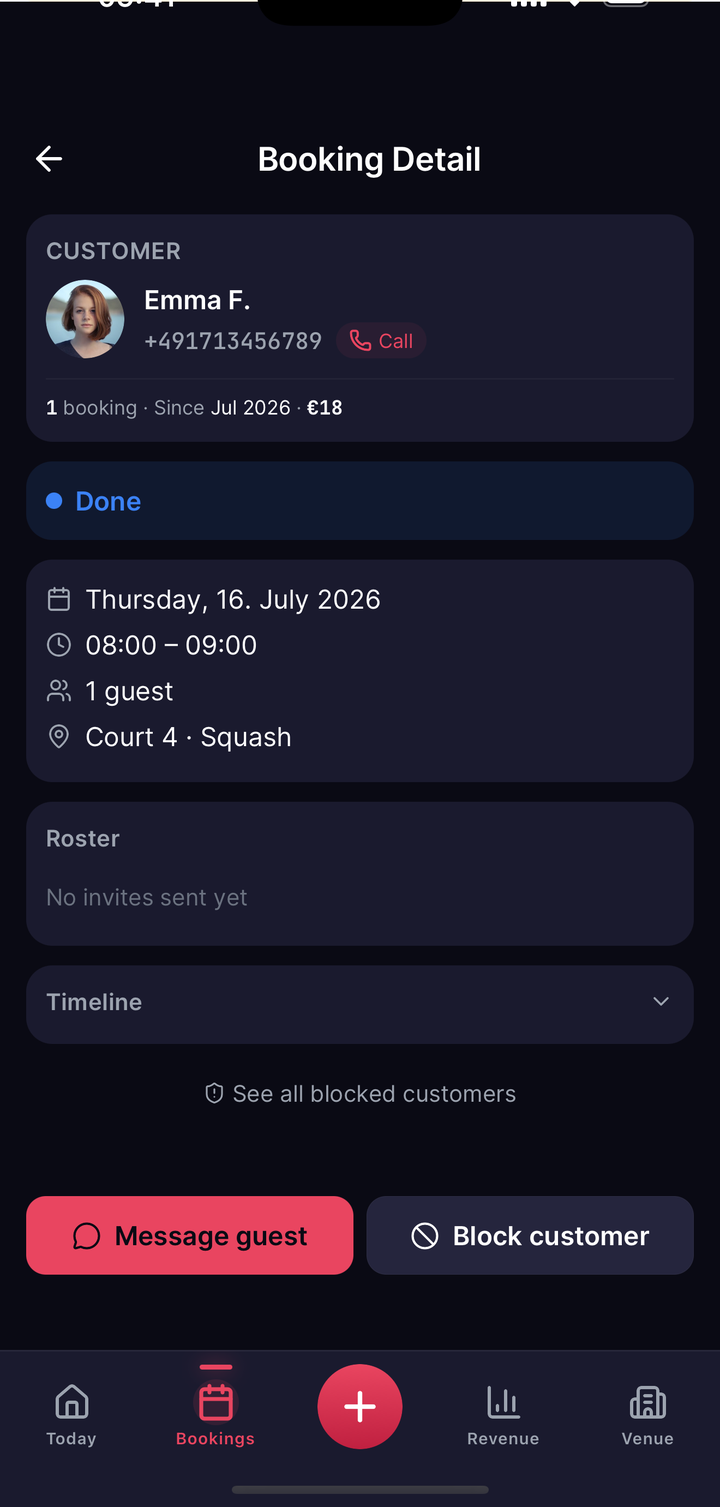
You do not have to wait for Premium to size up a customer. Open a single booking and the detail page shows you a compact card straight away with their total number of bookings with you, how long they have been a customer, lifetime revenue, and whether they are blocked. That is included on all plans; the directory simply gathers that view for every customer at once.