Team and permissions: who can do what
In short
- Team accounts are a Premium feature. Starter and Growth stay a one-person operation.
- Three levels: Owner sees and may do everything, always. Manager is at heart a staff account with all 9 operational permissions switched on. Staff starts at zero.
- Every new staff account starts with no permissions at all. You enable each capability one at a time, with a switch in the app.
- A tenth, separate permission, "Manage team", can only be granted by you as the owner. Even a manager with all 9 operational permissions cannot pass it on.
- A venue can have at most 5 team seats, Premium included.
The three levels
Inviting and managing team members is a Premium feature. On Starter or Growth you as the owner are the only person with access.
Owner is you. You have full access to everything: analytics, revenue, customers, payouts, opening hours, prices, photos. Every permission check in the background lets you straight through, without any database lookup of your permission state anywhere. Exactly the same applies to the openmatch team (admin): also an automatic pass, not a case-by-case exception.
Manager is not a database role of its own. It is a label in the app for a staff account with all 9 operational permissions switched on. Technically it stays a staff account; it simply happens to have every operational switch set to "on". A manager can therefore take on essentially all the day-to-day work. Only on payouts does the Stripe connection itself stay reserved to you as the owner, and a manager can remove neither themselves nor another manager from the team (only you can).
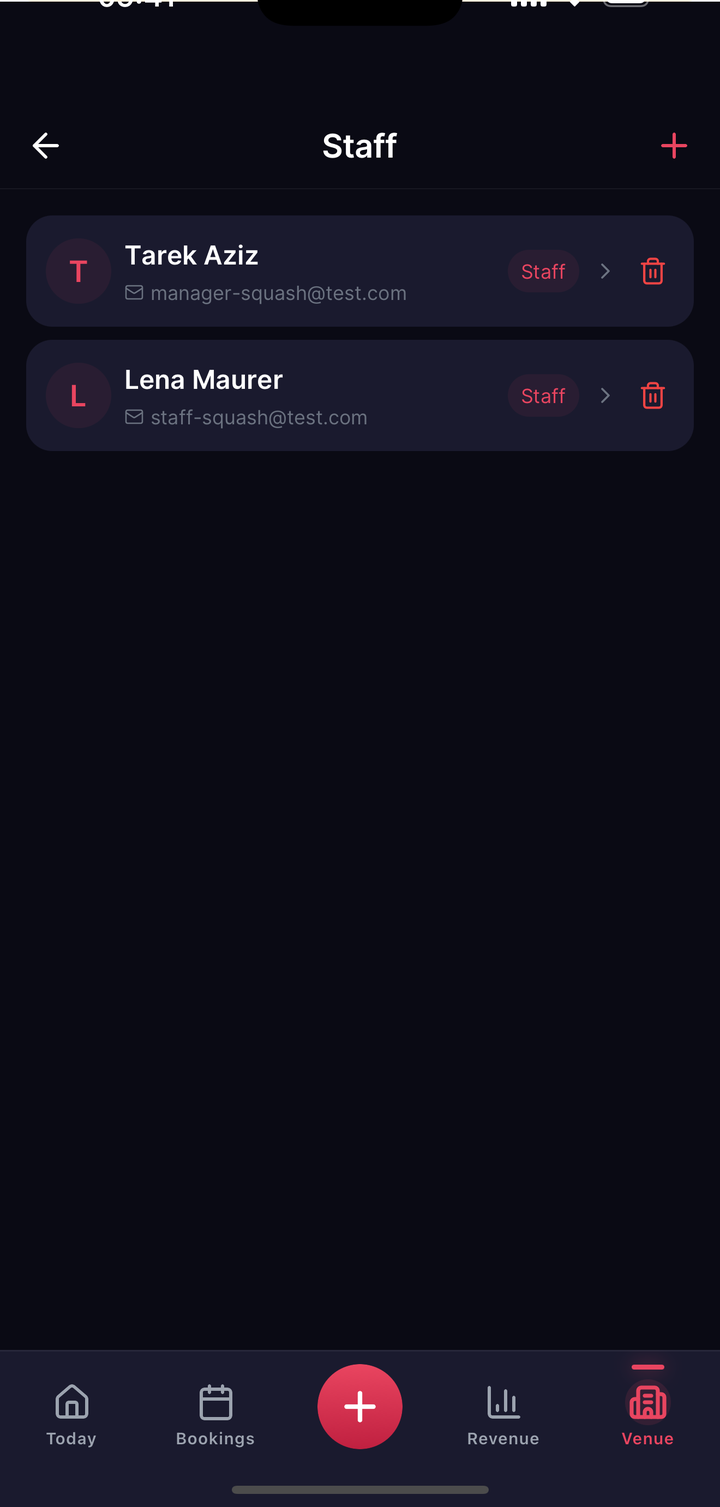
Staff is the base level. A freshly invited team member sees only the essentials at first: the today overview and the bookings list. Everything else, the numbers, customers, payouts, editing rights, is locked to begin with.
The 9 operational permissions, plus a tenth, separate one
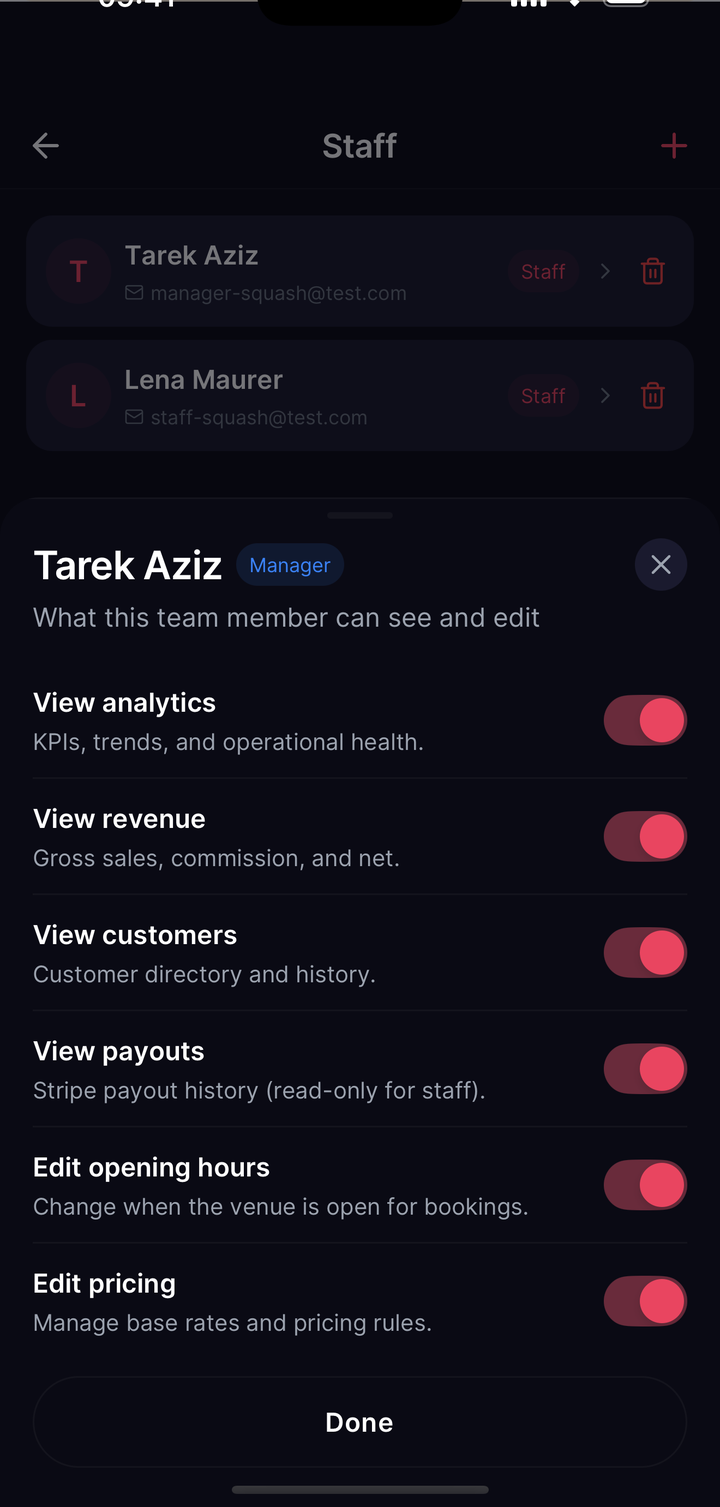
Each capability is an individual switch you flip per team member:
| Permission | What it makes possible |
|---|---|
| View analytics | See reports and trends |
| View revenue | See revenue figures and history |
| View customers | See the customer list and details |
| View payouts | See the payouts overview (the Stripe connection stays yours) |
| Edit opening hours | Change hours |
| Edit prices | Create and change pricing rules |
| Edit photos | Upload, change and delete venue photos |
| Manage equipment | Create, change and delete rental gear (any team member can view it) |
| Manage tournaments | Create, publish and cancel tournaments. Careful: a cancellation triggers automatic refunds to every player |
Those 9 permissions together produce the "Manager" label when all are on. Alongside them sits a tenth, independent permission: Manage team, the right to invite and remove team members and edit their permissions. It does not count towards the 9 operational permissions and is never granted automatically. Only you as the owner can grant or withdraw it, and even a team member who holds it cannot pass it on to anyone else.
How to enable permissions
When you invite a new team member, their account starts with every switch off. That is deliberate, and the principle behind it is least privilege: nothing at first, then exactly what is needed. You open the team member's permissions overview and enable capability by capability. Each switch takes effect immediately, with nothing to save or confirm.
A team member with no capability enabled still sees the basic day-to-day areas: Today, Bookings, Matches and Messages. Further areas appear with the first switch you turn on, analytics as soon as "View analytics" is on, for example.
Removing a team member
When you remove someone from the team, that person immediately loses their role and every associated permission in the database, and their next attempt to reach your business area is refused accordingly. Nobody can remove the venue owner, not even a manager with "Manage team".